The Ultimate Guide to Server Room Maintenance: Best Practices for Maricopa County


Introduction to Server Room Maintenance
Maintaining a server room is crucial for ensuring the optimal performance of your IT infrastructure. In Maricopa County, where temperatures can soar, proper maintenance is even more critical. This guide covers the best practices to help you keep your server room running smoothly and efficiently.

Climate Control
Temperature Management
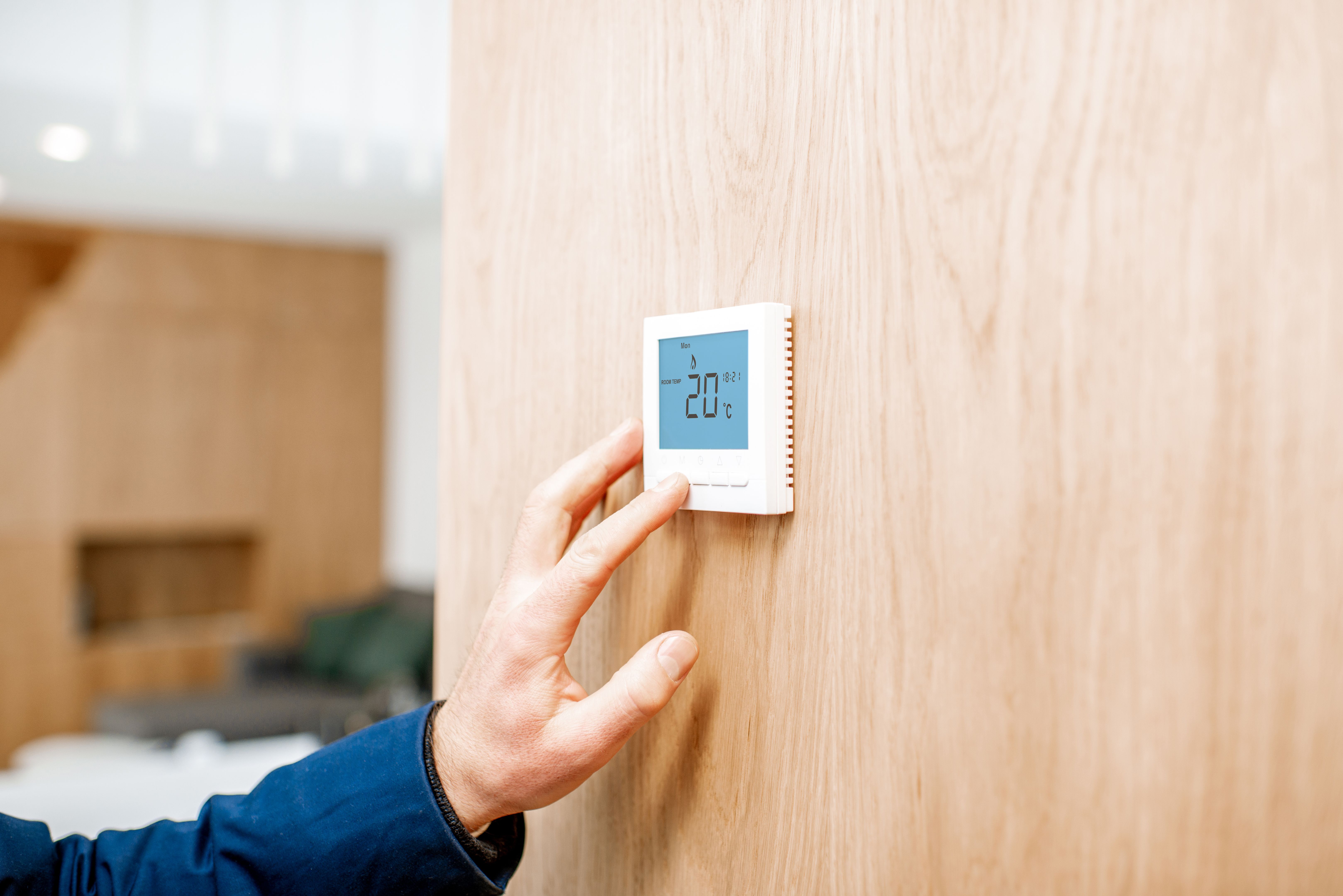
Keeping your server room at a stable temperature is vital. Servers generate a lot of heat, and without appropriate cooling measures, they can overheat and fail. Aim to maintain a temperature between 68°F and 72°F. Consider using HVAC systems specifically designed for server rooms to handle the heat load effectively.
Humidity Control
Humidity levels should be kept between 40% and 60%. Too much humidity can lead to condensation and hardware corrosion, while too little can cause static electricity buildup. Use humidifiers and dehumidifiers as necessary to maintain the right balance.
Regular Cleaning and Maintenance
Dust and Debris Management
Dust accumulation can obstruct airflow and cause overheating. Regularly clean the server room using anti-static cleaning tools to avoid damaging sensitive equipment. Ensure all vents and filters are kept clear of dust and debris.
Routine Inspections
Schedule regular inspections of your server room to identify potential issues before they become major problems. Check for loose cables, signs of wear and tear, and ensure all equipment is functioning correctly. Document these inspections to track maintenance activities.

Security and Access Control
Physical Security
Implement robust security measures to protect your server room from unauthorized access. Use key card systems, biometric scanners, or coded locks to restrict entry. Ensure that only authorized personnel have access to the server room.
Monitoring and Alarms
Install surveillance cameras and alarm systems to monitor the server room continuously. Alerts should be set up to notify you immediately of any unauthorized access attempts or environmental changes that could affect server performance.

Backup and Disaster Recovery
Data Backup
Regularly back up all critical data to prevent loss in the event of a hardware failure or other disasters. Use both local and cloud-based solutions to ensure redundancy. Schedule backups during off-peak hours to minimize disruption.
Disaster Recovery Plan
Develop a comprehensive disaster recovery plan to quickly restore operations after an incident. This plan should include steps for data recovery, hardware replacement, and communication strategies. Regularly test and update the plan to ensure its effectiveness.
Conclusion
Proper server room maintenance is essential to the reliability and efficiency of your IT infrastructure. By following these best practices, you can ensure your servers remain operational and secure, even in the challenging climate of Maricopa County. Regular maintenance not only extends the life of your equipment but also protects your critical data and resources.