Preventative Maintenance Tips for Computer Rooms in Hot Climates


Understanding the Challenges of Hot Climates
Computer rooms in hot climates face unique challenges that can affect the performance and lifespan of equipment. High temperatures can lead to overheating, which might cause unexpected shutdowns or damage. It's essential to implement effective preventative maintenance strategies to ensure smooth operations.
One of the primary concerns is keeping the room temperature within a safe range. This involves a combination of cooling systems, proper insulation, and regular monitoring. Let’s explore some essential tips to maintain computer rooms efficiently in hot climates.
Effective Cooling Solutions
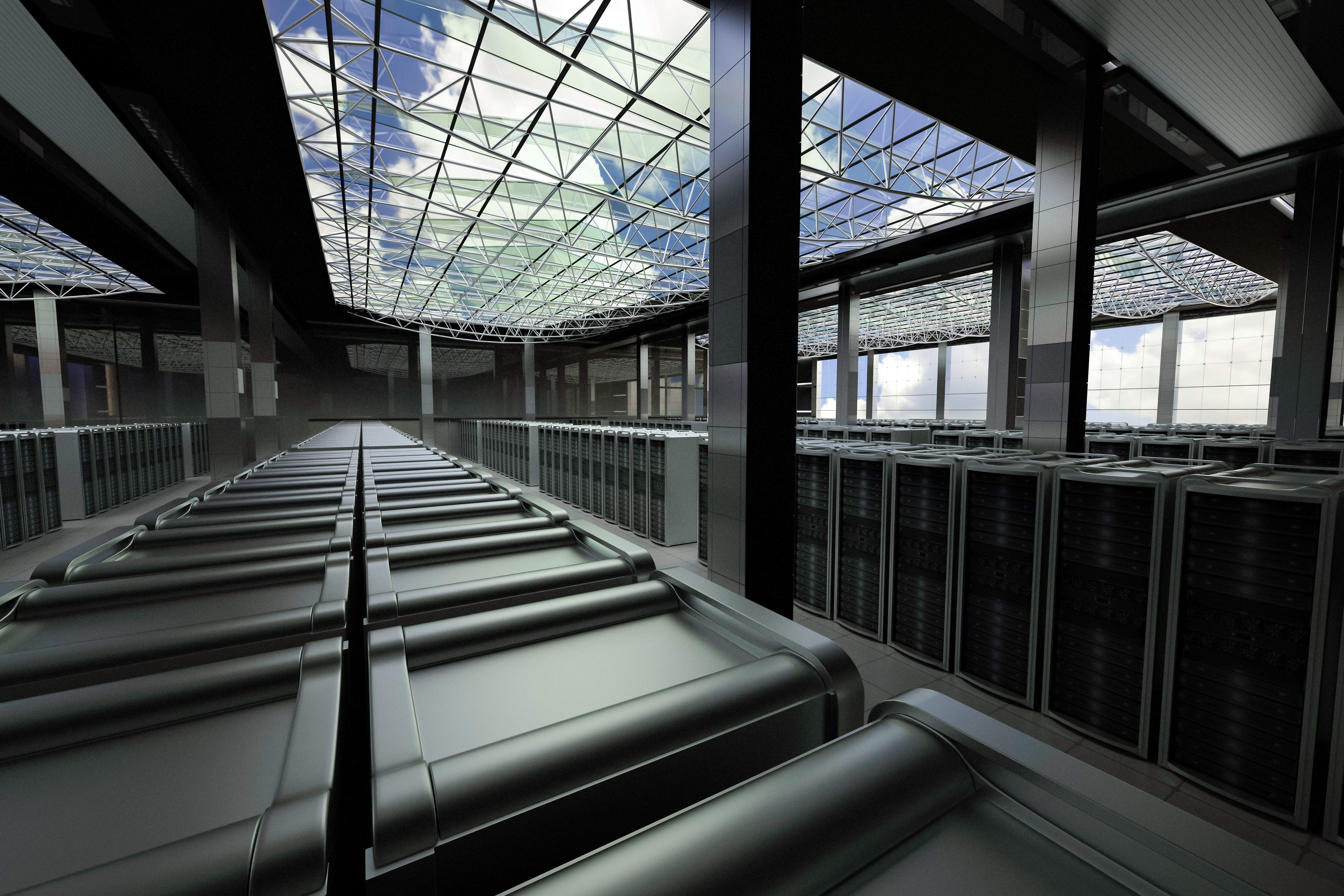
Investing in a reliable cooling system is crucial. Air conditioners, fans, and climate control systems are popular choices. It's important to select a system that suits the size and specific needs of the computer room.
- Regular Maintenance: Ensure that cooling systems are serviced regularly to prevent breakdowns.
- Temperature Monitoring: Use sensors to continuously monitor room temperature and adjust cooling as needed.
- Backup Systems: Have a backup cooling solution in place to handle unexpected failures.
Proper Airflow Management
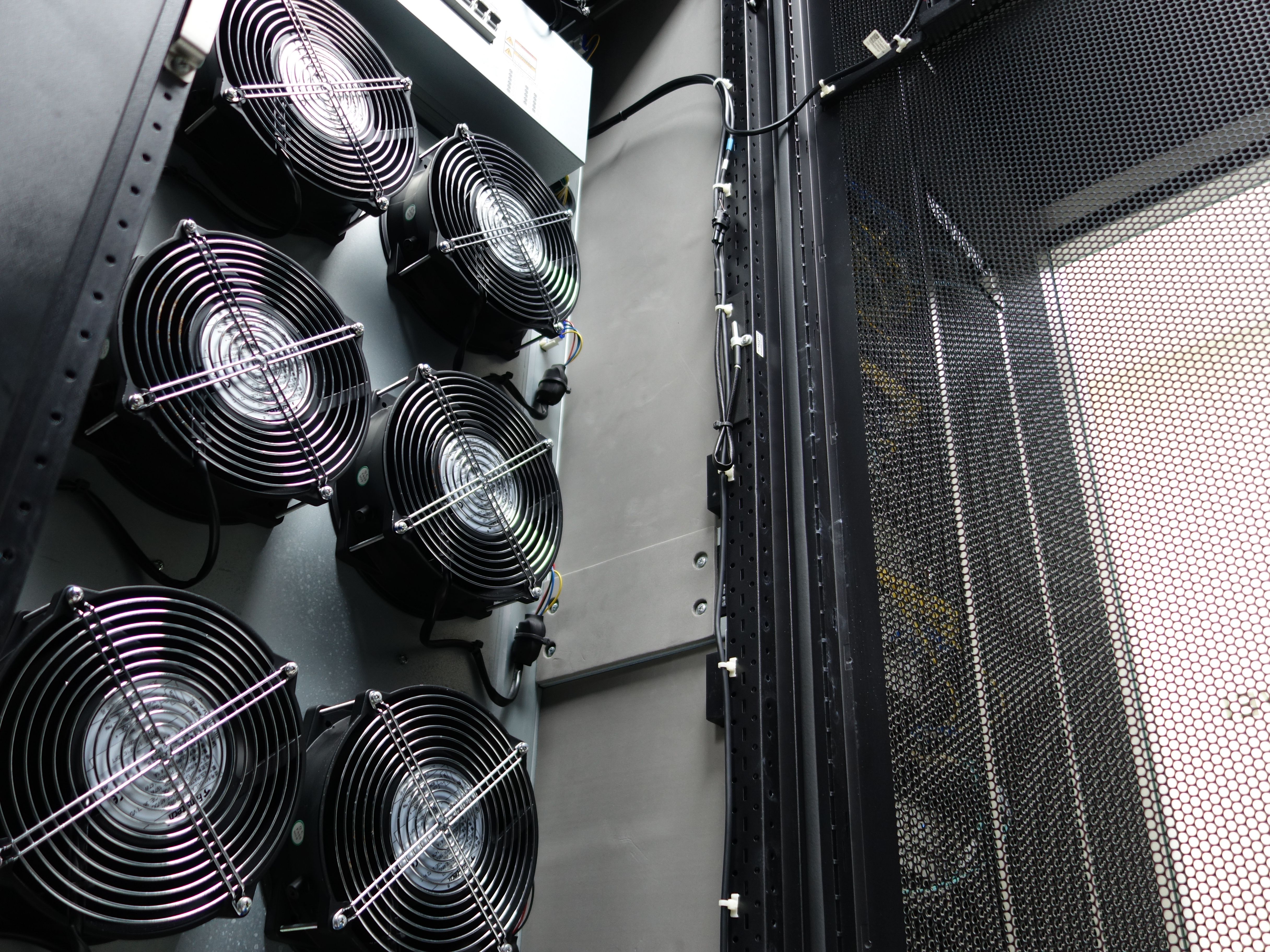
Maintaining proper airflow is vital to prevent hotspots and ensure even cooling. Arrange equipment in a way that allows air to circulate freely. Avoid blocking vents and ensure that there is adequate space between devices.
Consider using raised floors or installing additional vents to improve airflow. This can significantly reduce the burden on your cooling systems and enhance overall efficiency.
Regular Cleaning and Dust Management
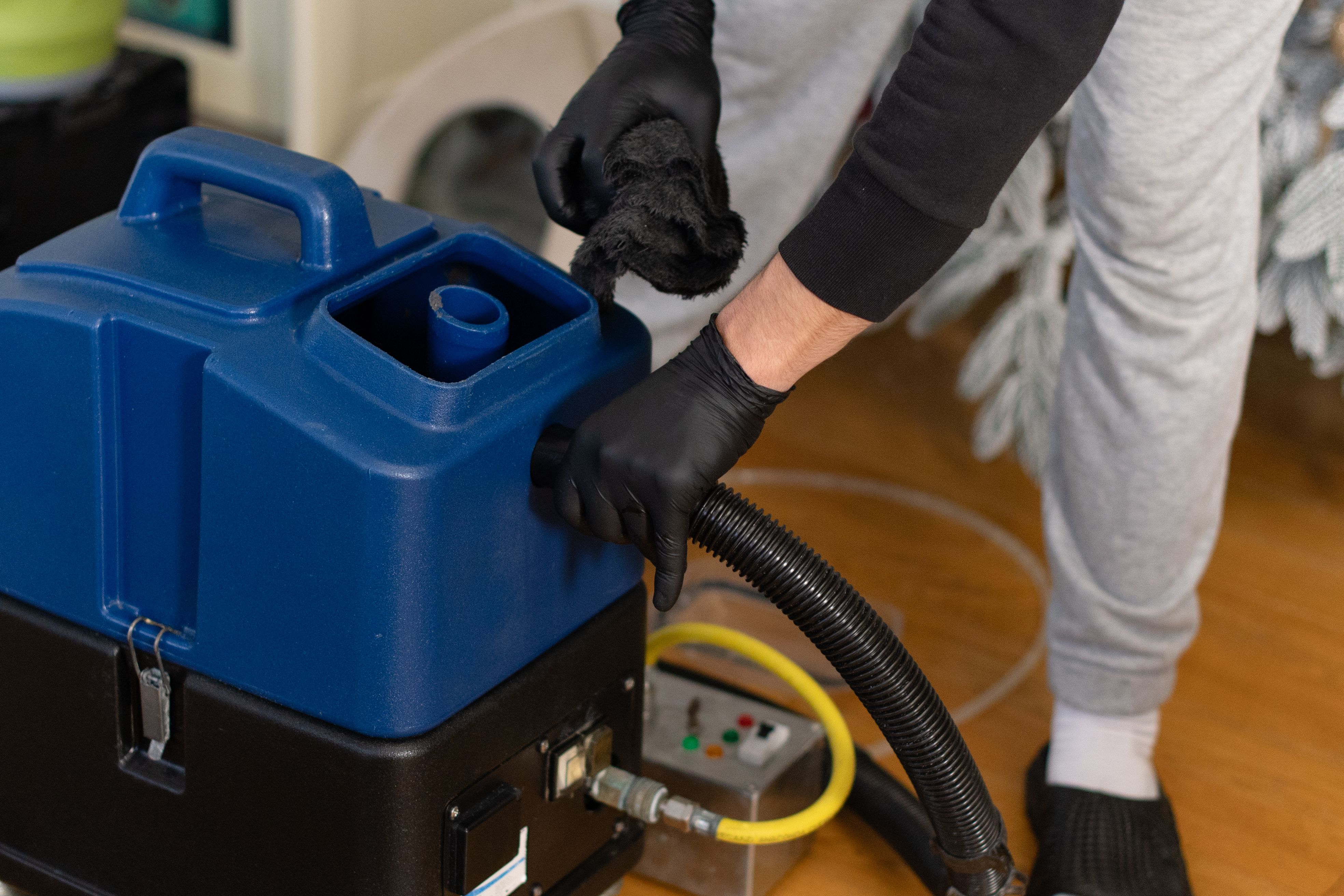
Dust accumulation can hinder airflow and lead to overheating. Regular cleaning is necessary to maintain optimal performance. Use antistatic cleaning tools and ensure that all equipment is powered down during cleaning to prevent damage.
- Schedule routine cleaning sessions at least once a month.
- Focus on cleaning air filters, vents, and equipment surfaces.
- Consider using air purifiers to reduce dust levels.
Monitoring and Automation
Utilize automated systems to monitor environmental conditions in the computer room. These systems can provide real-time data and alert you to potential issues before they escalate. Automation can also help in adjusting cooling and airflow settings as needed.
By implementing these preventative measures, you can significantly reduce the risk of equipment failure and ensure a stable operating environment. Remember, consistent maintenance is the key to longevity and performance in hot climates.