DIY Tips for Basic Server Room Cleaning and Maintenance


Introduction to Server Room Cleaning
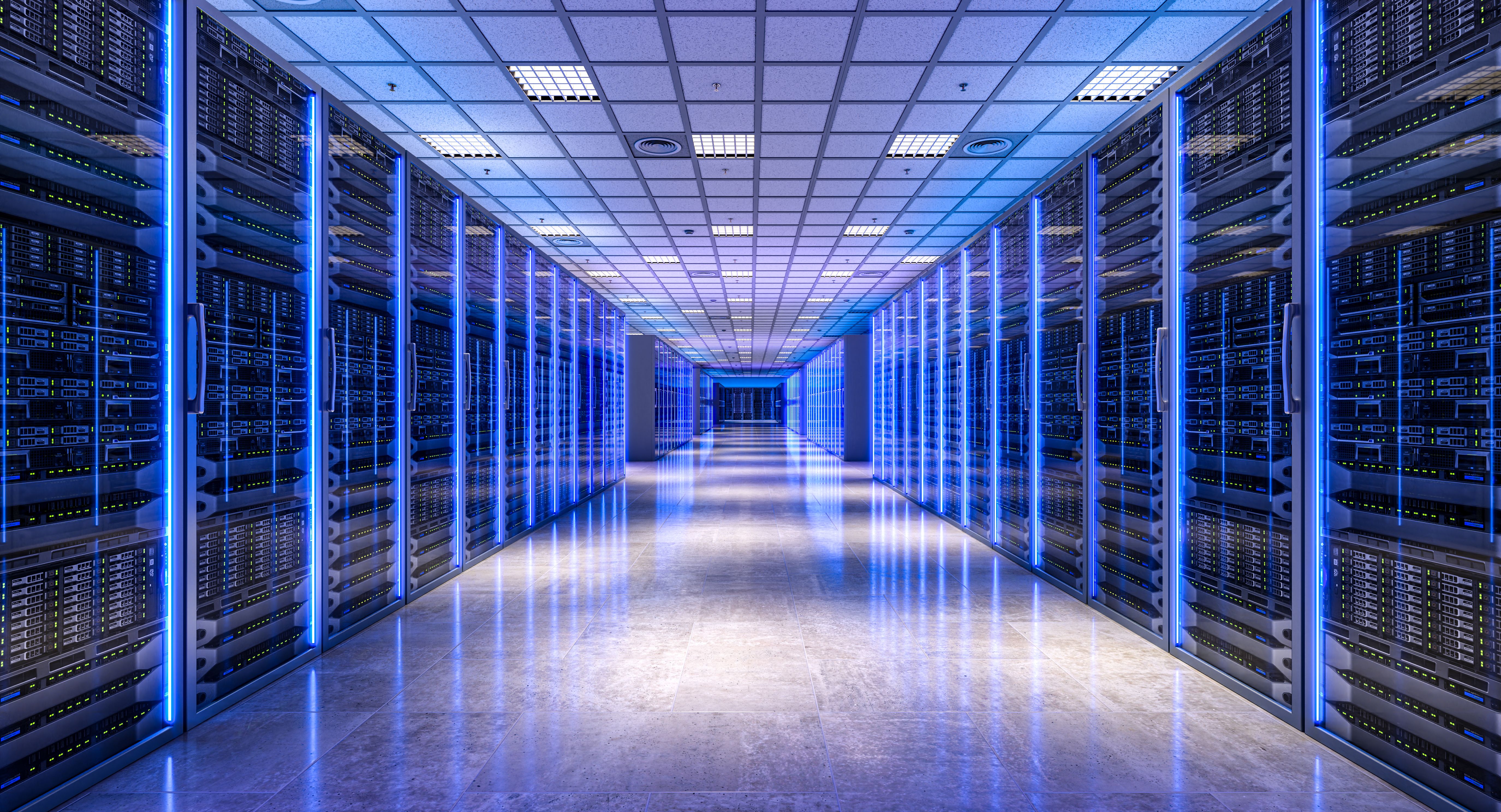
Keeping your server room clean and well-maintained is crucial for the efficient operation of your IT infrastructure. Dust and debris can accumulate over time, causing overheating and equipment failure. Regular cleaning and maintenance ensure the longevity of your servers and reduce the risk of unexpected downtime.
Essential Cleaning Supplies
Before you start cleaning, gather the necessary supplies. You will need anti-static wipes, compressed air cans, vacuum cleaners with HEPA filters, and microfiber cloths. These tools help in removing dust without causing static buildup, which can damage sensitive electronic components.
Anti-static wipes are essential for cleaning surfaces without generating static electricity. Compressed air cans are excellent for blowing dust out of hard-to-reach areas like vents and fans.
Choosing the Right Vacuum
When selecting a vacuum, ensure it has a HEPA filter to capture fine dust particles. A vacuum designed for electronics is ideal, as it minimizes the risk of static discharge. Regular household vacuums might not be suitable, as they can generate static electricity.
Regular Maintenance Routine
Establishing a regular cleaning schedule is key to maintaining a tidy server room. Aim to clean your server room every three months, with more frequent checks for dust accumulation. Consistency is vital in preventing long-term buildup.

Steps for Effective Cleaning
- Turn off and unplug all equipment to ensure safety.
- Use compressed air to remove dust from vents and fans.
- Wipe down surfaces and cables with anti-static wipes.
- Vacuum the floor using a HEPA-filter vacuum.
- Check for any signs of wear or damage to cables and replace if necessary.
Environmental Considerations
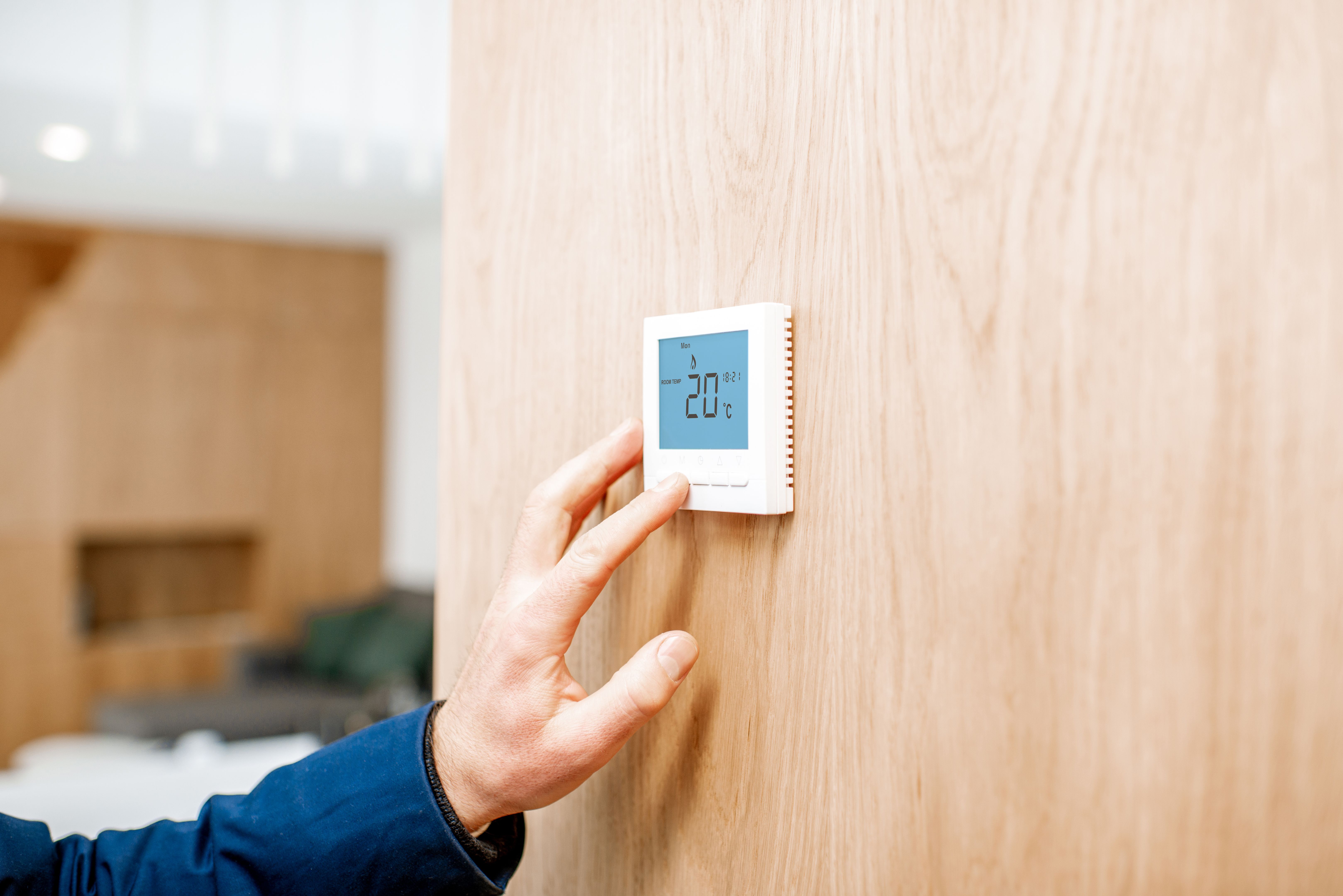
Maintaining the right environment in your server room is as important as regular cleaning. Ensure the room is well-ventilated and maintains a stable temperature and humidity level. Use air conditioners and dehumidifiers if necessary to keep conditions optimal.
Monitoring Temperature and Humidity
Install sensors to monitor temperature and humidity levels. Ideally, the temperature should be between 68°F and 72°F, with a humidity level of 45% to 50%. This helps prevent overheating and reduces the risk of condensation, which can damage equipment.
Conclusion
By following these DIY tips for server room cleaning and maintenance, you can enhance the efficiency and lifespan of your IT infrastructure. Regular cleaning not only prevents equipment failure but also ensures a more reliable network. A little effort goes a long way in keeping your server room in top condition.