DIY Cable Management Tips for a Tidy and Efficient Server Room


Managing cables in a server room can often feel like a never-ending battle. However, with some strategic planning and a bit of creativity, you can transform a tangled mess into a neat and efficient setup. Here are some DIY cable management tips to help keep your server room organized and functional.
Plan Your Layout
Before diving into cable management, take the time to plan your server room layout. Consider where each piece of equipment will be located and how the cables will run between them. This will help you anticipate potential problem areas and avoid unnecessary clutter.
Creating a detailed layout plan can also assist in identifying the most effective routes for your cables. This proactive approach will save you time and effort in the long run.

Label Everything
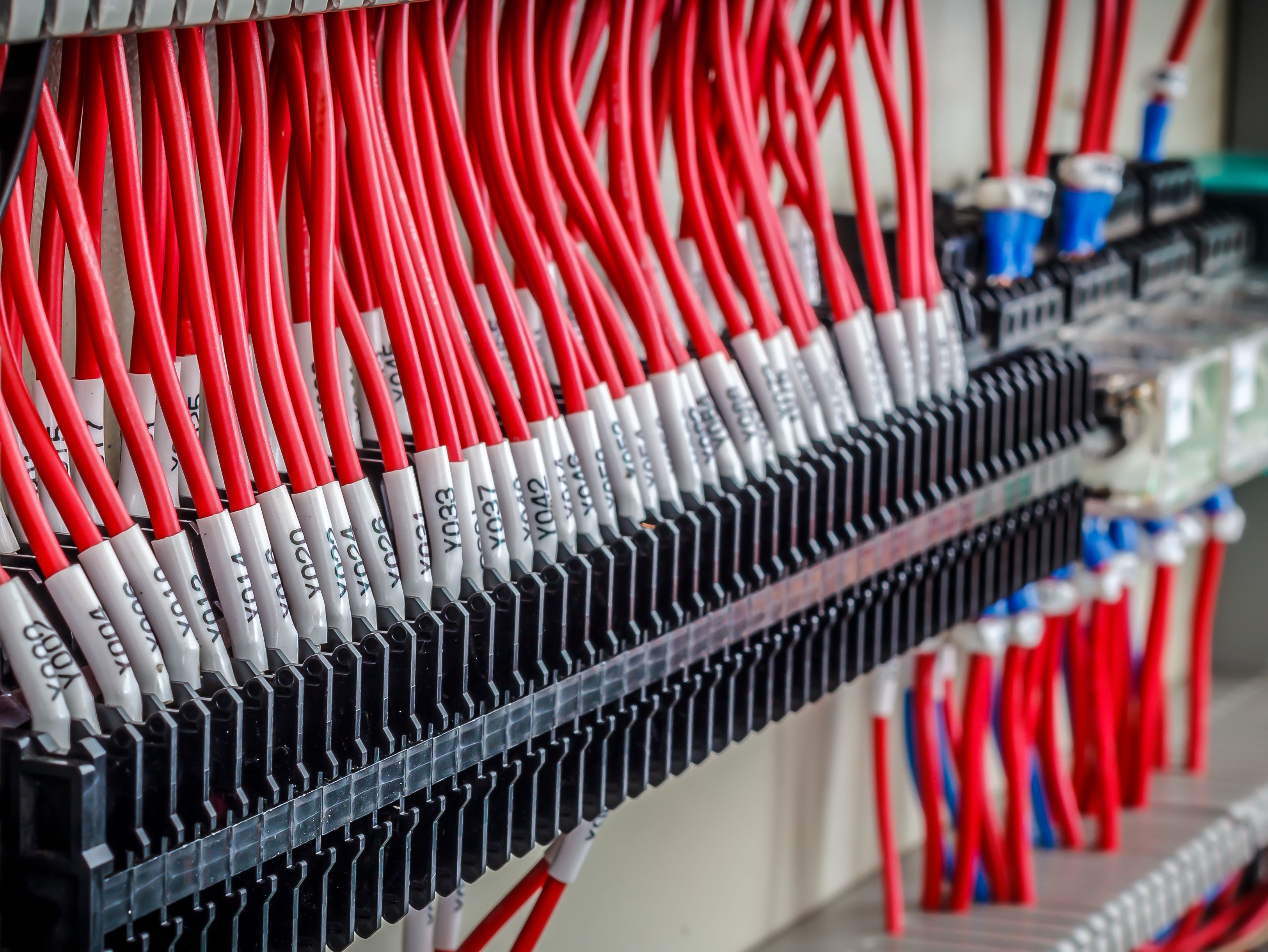
One of the simplest yet most effective tips for cable management is to label every cable. Use tags or colored labels to identify each cable's purpose and connection points. This makes it easier to troubleshoot issues and perform maintenance without confusion.
Consider using a color-coding system for different types of cables. For example, use blue for network cables, red for power cables, and green for peripheral connections. This visual aid can significantly enhance your efficiency.
Utilize Cable Trays and Ties
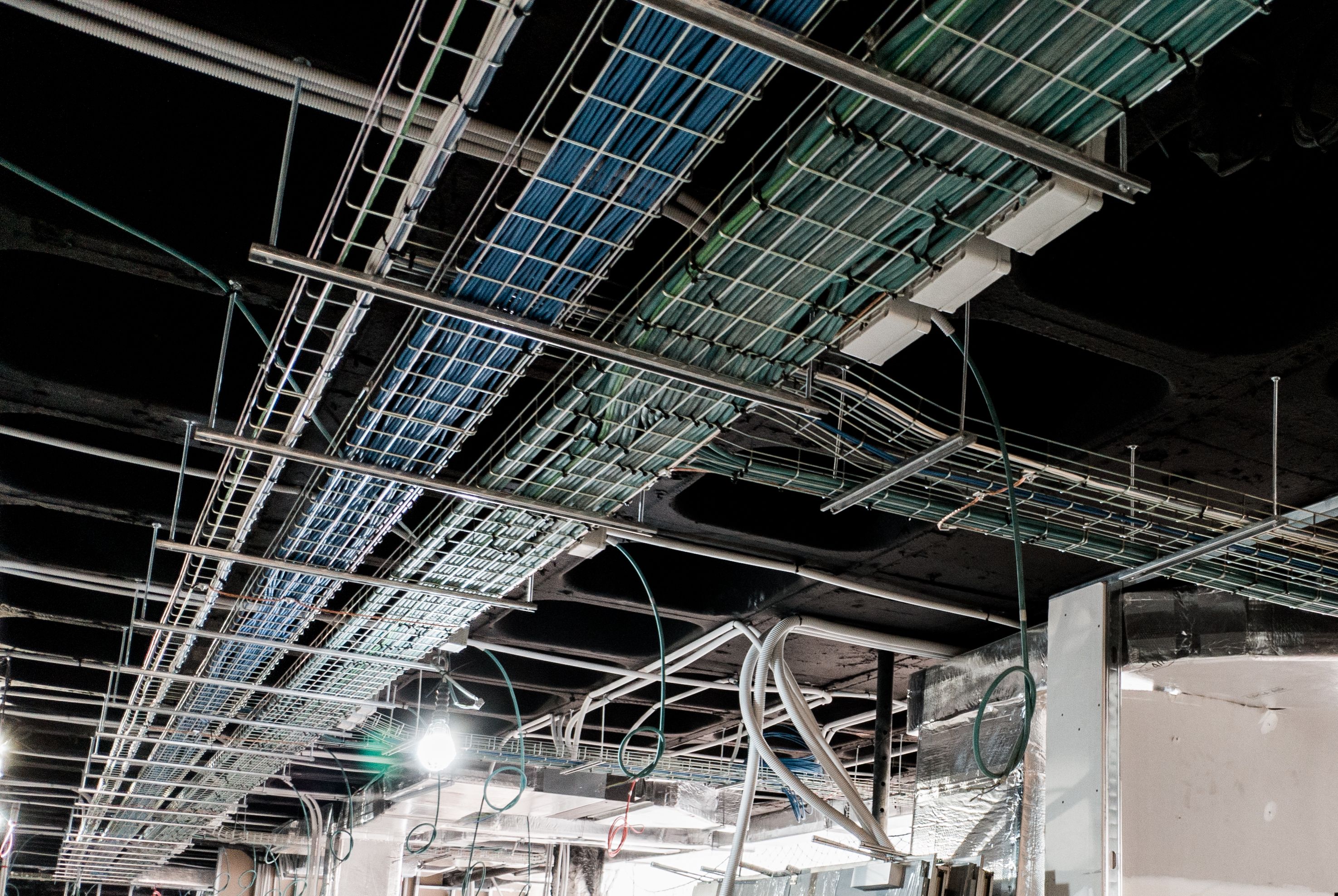
Cable trays and ties are essential tools in the battle against cable chaos. Use cable trays to neatly guide cables along walls and ceilings. This not only keeps them off the floor but also reduces the risk of damage.
Cable ties are invaluable for bundling cables together and keeping them organized. Choose reusable ties for flexibility and adjustability. Remember to avoid overtightening to prevent damage to the cables.
Implement Vertical Cable Management
Vertical cable management solutions can be a game-changer in server rooms, especially in tight spaces. Use vertical cable managers alongside your racks to keep cables aligned and prevent them from sprawling outwards.
This method not only saves space but also enhances airflow around the equipment, promoting better cooling and reducing the risk of overheating.
Regularly Review and Update
Cable management is not a one-time task. To maintain an efficient server room, regularly review and update your cable management practices. As new equipment is added or removed, adjust your cable setup accordingly.
Schedule periodic inspections to ensure that everything remains tidy and functional. This proactive maintenance will help prevent problems before they arise.

By implementing these DIY cable management tips, you can create a server room that is both tidy and efficient. Not only will this improve the overall functionality of your setup, but it will also make troubleshooting and maintenance a breeze.
Remember, a well-organized server room is essential for optimal performance and reliability. Investing time in cable management now will pay off in the long run with a more streamlined and effective operation.